Managing Node versions with NVM
2020-05-05
Contents
Managing multiple Node.js projects with different version requirements can be a challenge.
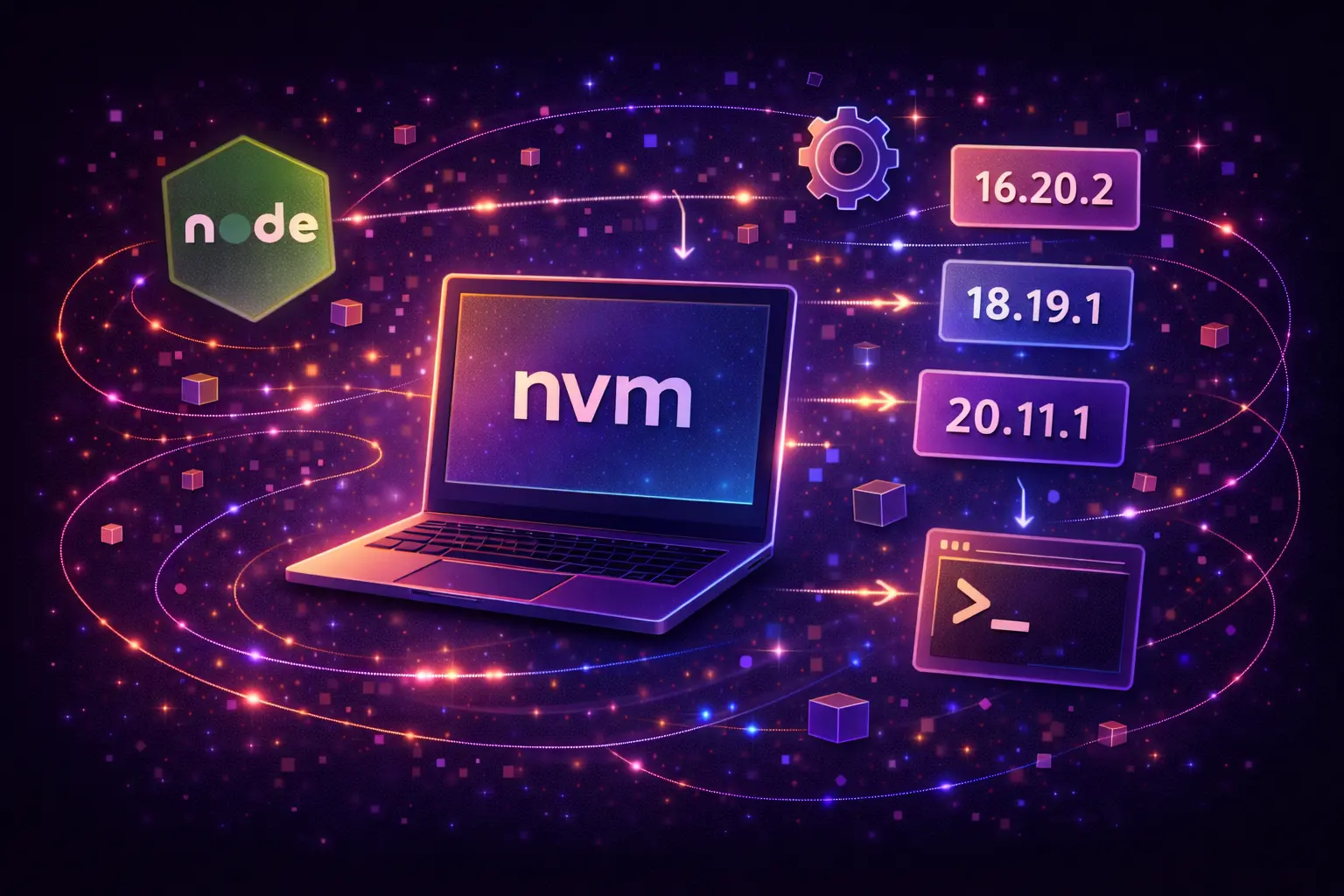
Node Version Manager (NVM) is an essential tool for developers working with Node, as it allows managing multiple Node.js versions on a single machine. This flexibility helps test applications across different Node versions without needing separate machines or complex virtual environments.
An effective solution to ensure consistent environments across all your projects is to use NVM with a .nvmrc file.
Installing NVM
Linux and macOS
Run the installation script from the
NVM repo
. You can use curl or wget:
curl -o- https://raw.githubusercontent.com/nvm-sh/nvm/v0.39.1/install.sh | bash
wget -qO- https://raw.githubusercontent.com/nvm-sh/nvm/v0.39.1/install.sh | bash
Installing Node versions
To install a specific Node.js version, use:
nvm install 18.15.0
You can also install the latest available version or the latest LTS (Long Term Support) version using:
nvm install node    # Latest version
nvm install --lts    # Latest LTS version
Using Node versions
Switch between installed Node versions with:
nvm use <version>
If you want to switch to Node version 18.15.0:
nvm use 18.15.0
Setting the default Node version
The sky is the limit
The terminal is a truly powerful tool. It makes your day-to-day easier and better — instead of trying to avoid it, become better at using it.
Can you think of any other tools that help with your workflow?
Send me a shout on Twitter @lauralesteves
Latest Articles


The human interaction in emojis
2020-06-09

Leading small teams
2020-06-04